Set up in a minute.
Pick a mode and press Start. Nothing to configure first.
Click
Choose one exact spot, or draw a box and it clicks somewhere inside it. Clicks land at random intervals inside the range you set, so the rhythm isn't mechanical.
Wiggle
Nothing to pick. The mouse drifts a little, the way yours does while you read. Choose how long, press Start, and leave it.
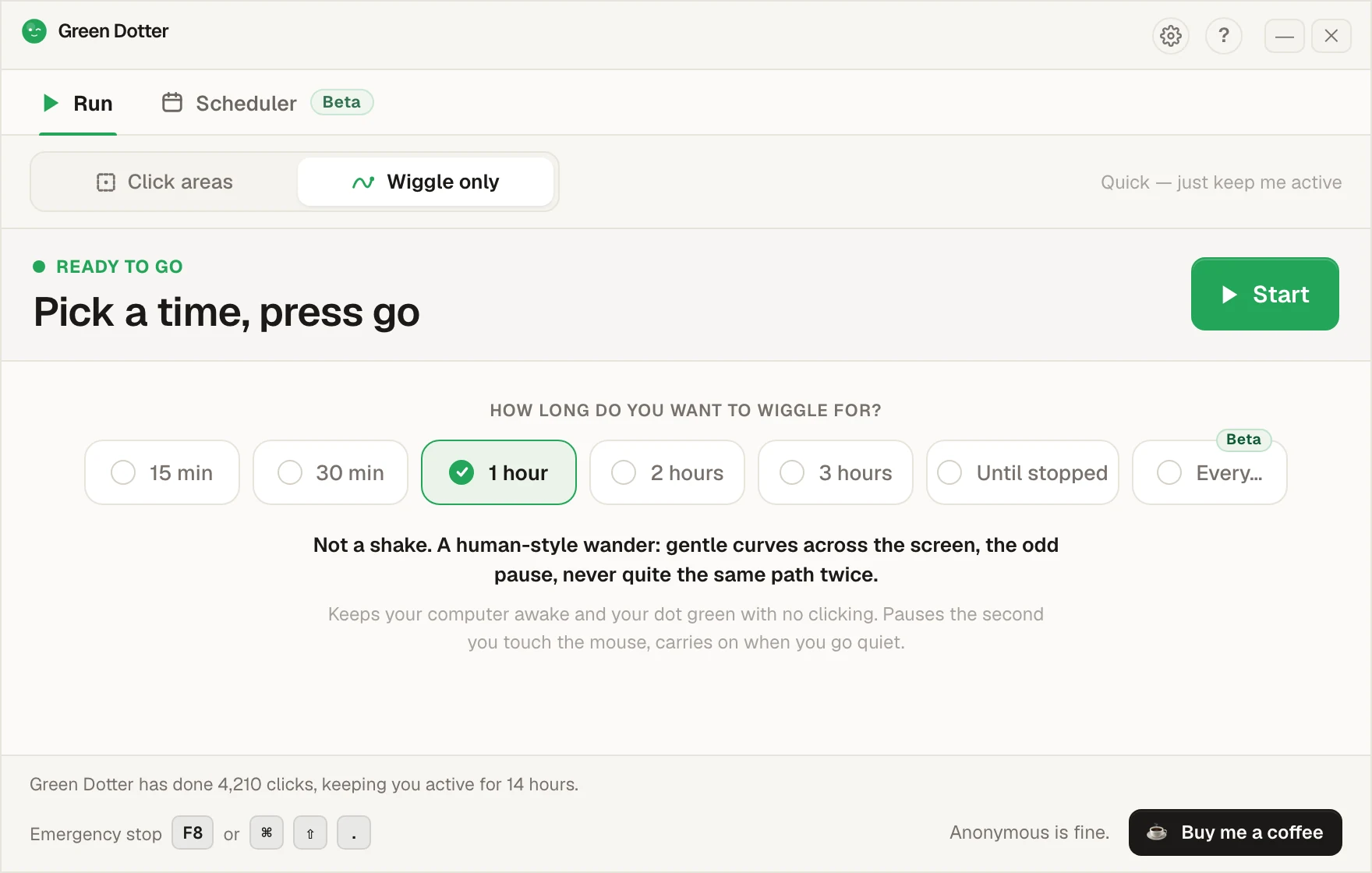
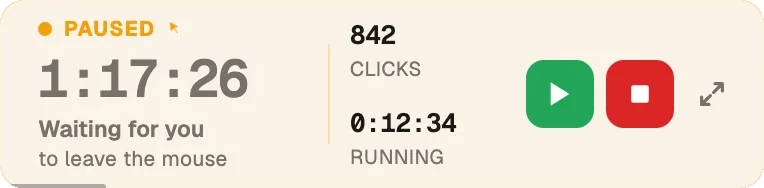
It steps aside when you take over.
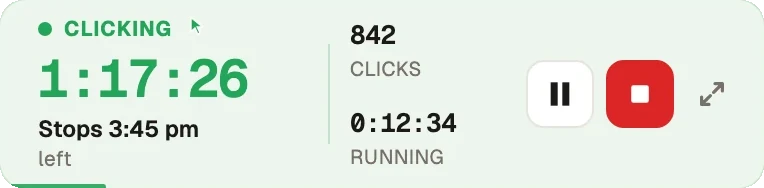
Touch the mouse and it pauses, then carries on once you stop. While it runs it folds down to a small bar you can park in a corner.
Set the week once.
Pick your days and hours, add a lunch break. Start and stop times shift by a few minutes each day, so it isn't clocking in at 9:00 sharp. Green Dotter then starts and stops itself, clicking or wiggling. Each start and stop can be exact, or random by up to 30 minutes, and you choose how much. It carries on when you're not at your desk, as long as your computer is on and signed in and Green Dotter is open.
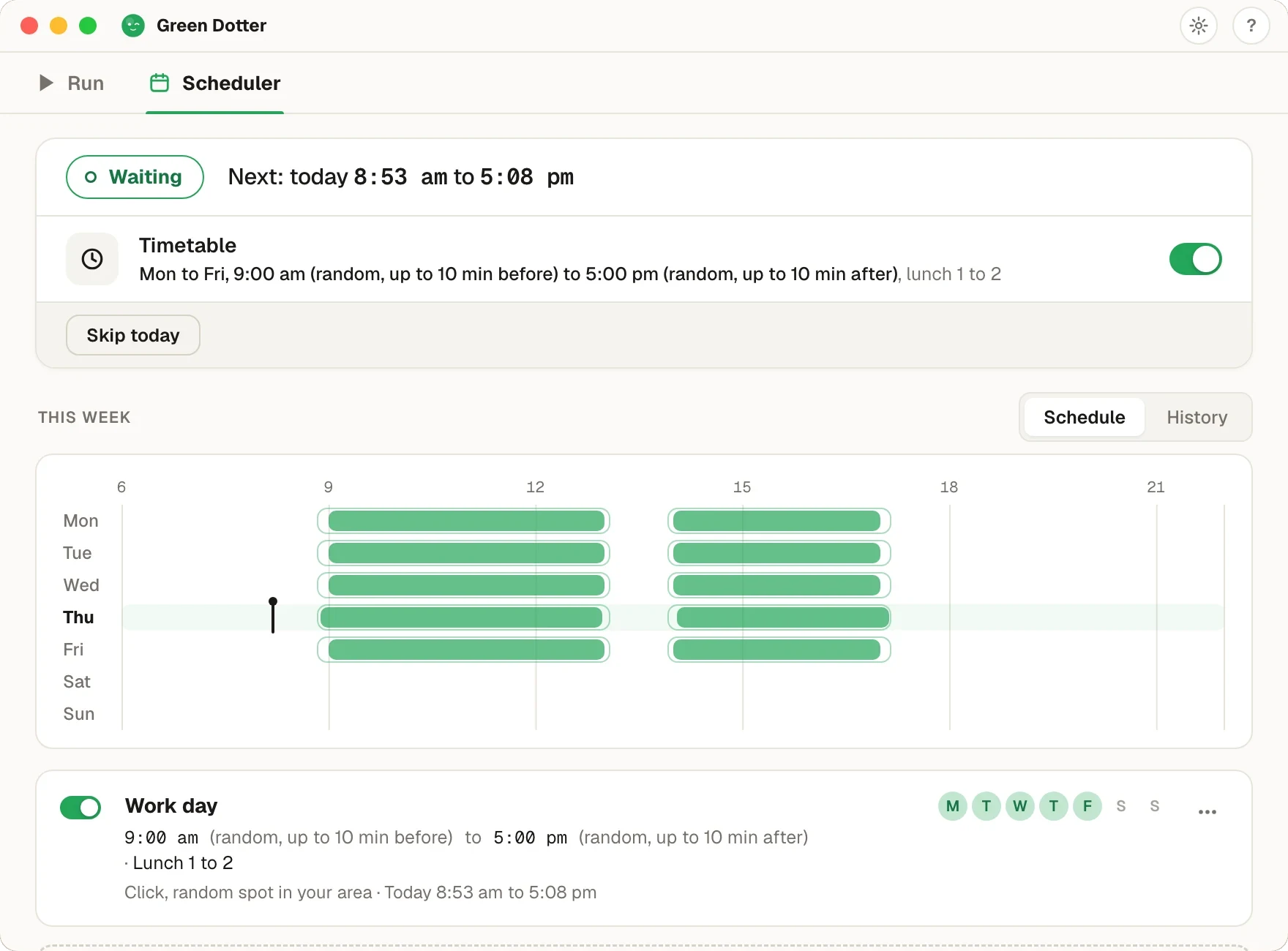
Green Dotter has to be open, the tray is fine, and your computer on and signed in. It can't wake a sleeping computer. If the screen locks or the laptop sleeps, it pauses until you're back. It's new, so if something looks off, tell us.