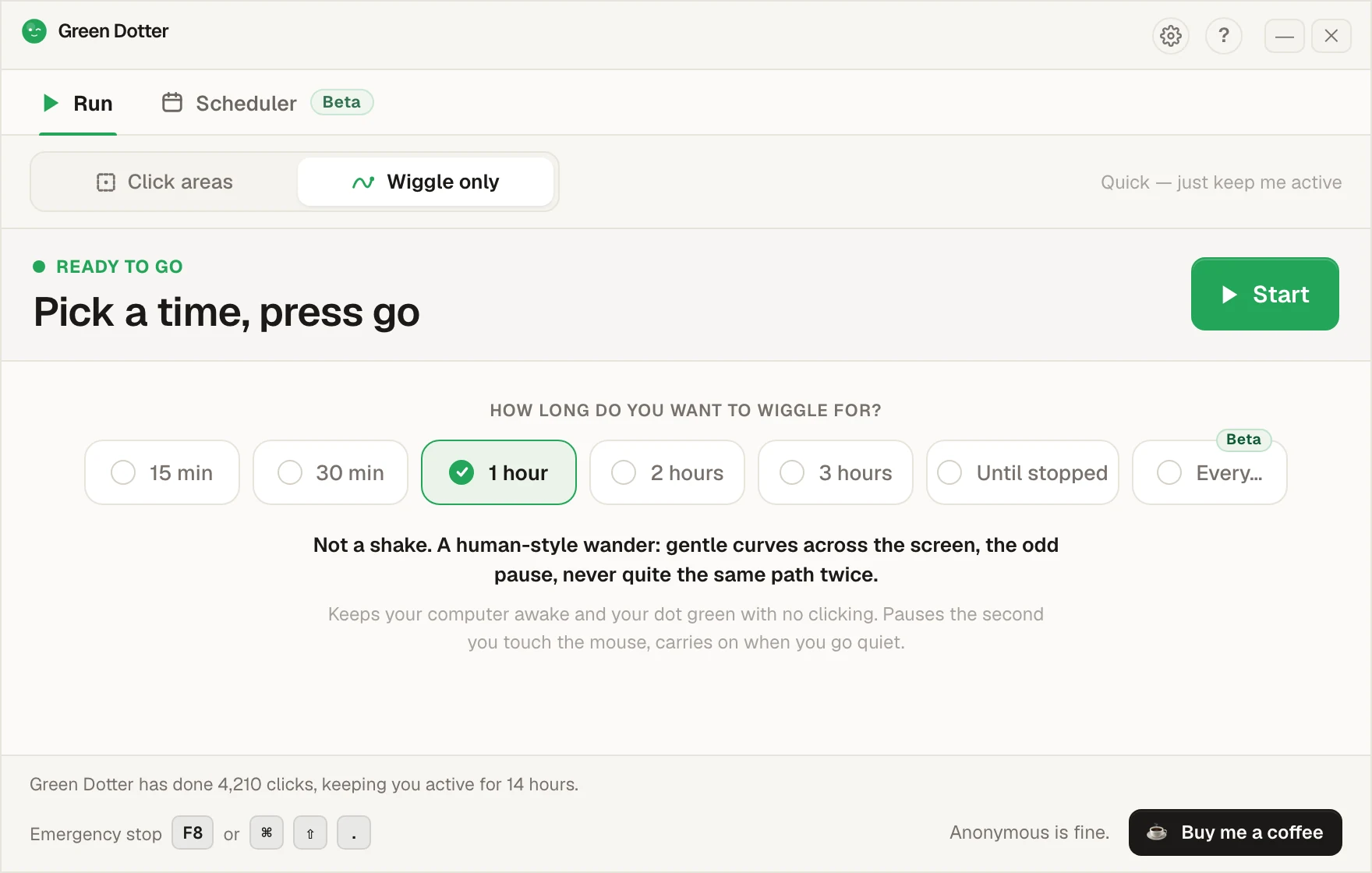
Green Dotter lets you choose a safe area of your screen, set the timing, and walk away. No account. No nonsense. Free for Apple Silicon Macs.
On Windows? Get the Windows version.
Sometimes you need your machine to stay active without sitting in front of it. Reading a long document. Watching a dashboard. Running a file transfer. Giving a demo. Waiting for a test to finish. Keeping a presence indicator active in Slack or Teams.
macOS has no idea any of that is happening. So it dims the screen, locks the machine, and forces you to wake everything up again.
Green Dotter fixes that. You choose where it clicks. It clicks there. You stay in control.
Select a safe area of your screen where clicks can land — a blank document, a quiet sidebar, an empty panel. Anywhere that won't cause trouble if clicked.
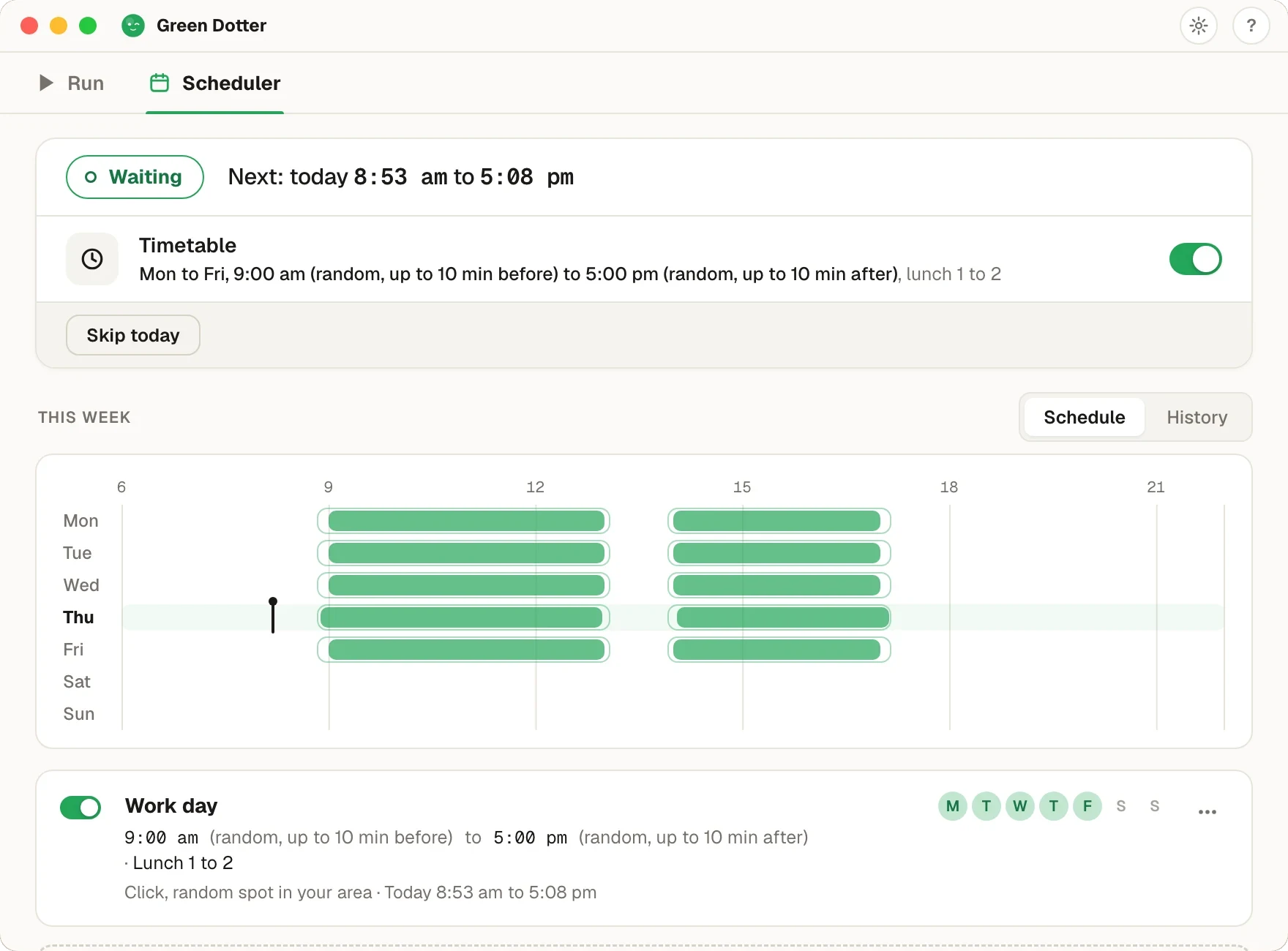
Choose how often Green Dotter clicks. It uses randomised timing so the pattern isn't mechanical or repetitive.
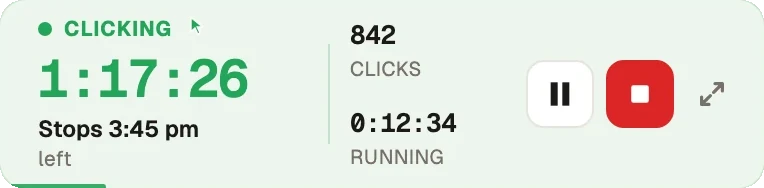
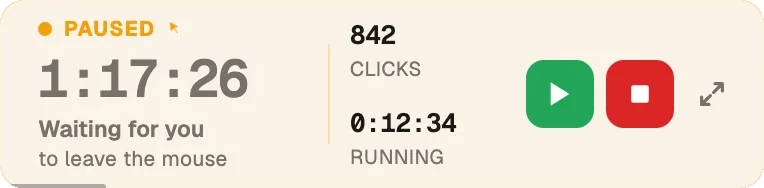
Green Dotter clicks inside your chosen area on a natural schedule. Move the mouse or type and it pauses automatically. When you stop, it picks back up.
You choose exactly where clicks happen. Green Dotter clicks inside the area you define — keeping you in control and avoiding accidental clicks on buttons, forms, or anything important.
Clicks happen at natural intervals, not rigid fixed timers. Less mechanical, and more predictable for long sessions.
The moment you move the mouse or press a key, Green Dotter pauses. No fighting the app for control of your own cursor.
A build made for M-series Macs, so it runs lean and launches fast. Download it and it just works.
Green Dotter is a local desktop app. Nothing to sign up for. Nothing sent anywhere.
No trial. No expiry. Just download and use it.
| Green Dotter | Mouse jiggler | Power settings | |
|---|---|---|---|
| Clicks inside a safe area | ✓ | ✗ | ✗ |
| Randomised timing | ✓ | Sometimes | — |
| Pauses when you return | ✓ | ✗ | — |
| Mac Apple Silicon support | ✓ | Varies | ✓ |
| No account needed | ✓ | ✓ | ✓ |
| Free | ✓ | Varies | ✓ |
| Controlled click area | ✓ | ✗ | ✗ |
A mouse jiggler moves the cursor. A power setting is broad and permanent. Green Dotter clicks exactly where you choose, on a natural schedule, and stops when you're back.
macOS requires Accessibility permission before any app can perform click events on your screen. That is the system doing its job — and it's right to ask.
Green Dotter uses that permission for one thing: clicking inside the area you choose. It does not record your screen. It does not read your messages. It does not need your Slack, Teams, or Discord login. It is a local desktop utility.
You can review and remove permissions at any time in macOS System Settings → Privacy & Security → Accessibility.