Random interval auto clicker · Mac & Windows

Random interval auto clicker for Mac and Windows

Green Dotter clicks inside a safe area you choose, on a randomised schedule you control. No fixed beats. No rigid timers. Free for Mac and Windows.

Official Green Dotter download

Green Dotter is distributed directly from green-dotter.com. This is the official download source for the Green Dotter app. No account, email address or subscription is required.

Free. No account required.Mac and WindowsClicks only where you choose

Fixed interval clicking vs random interval clicking

A fixed interval auto clicker clicks on the same schedule every time. Click. Wait 60 seconds. Click. Wait 60 seconds. Click.

That's predictable, which is useful for some tasks. But it's also rigid. The pattern never changes, the timing never varies, and it can feel mechanical — especially during long sessions.

A random interval auto clicker works differently. Instead of clicking every 60 seconds exactly, it clicks somewhere within a range you set. Maybe between 30 and 90 seconds. Maybe between 2 and 5 minutes. The behaviour is still controlled. The timing just isn't mechanical.

Why variable timing often works better

Fixed timing can cause problems a random interval avoids. Very fast fixed clicking can overload apps or trigger unexpected behaviour. Very slow fixed clicking can feel too infrequent for the task. And a perfectly regular beat can feel unnatural for sessions that are meant to reflect normal desktop use.

Random intervals are more useful when:

  • You need activity to happen occasionally, not constantly
  • You want a calmer, less rigid rhythm over a long session
  • You're running demos where mechanical repetition would look odd
  • You're doing testing that benefits from timing variation
  • You want the tool to feel less like a metronome

The goal isn't chaos. It's controlled flexibility.

How Green Dotter's random timing works

You set a timing range. Green Dotter clicks somewhere within that range.

1

Active sessions

Every 30 to 90 seconds — for keeping things ticking over during focused work.

2

Long background tasks

Every 2 to 5 minutes — for long-running processes where presence matters.

3

Demos or testing

Every 45 to 75 seconds — predictable enough to rehearse, varied enough to look natural.

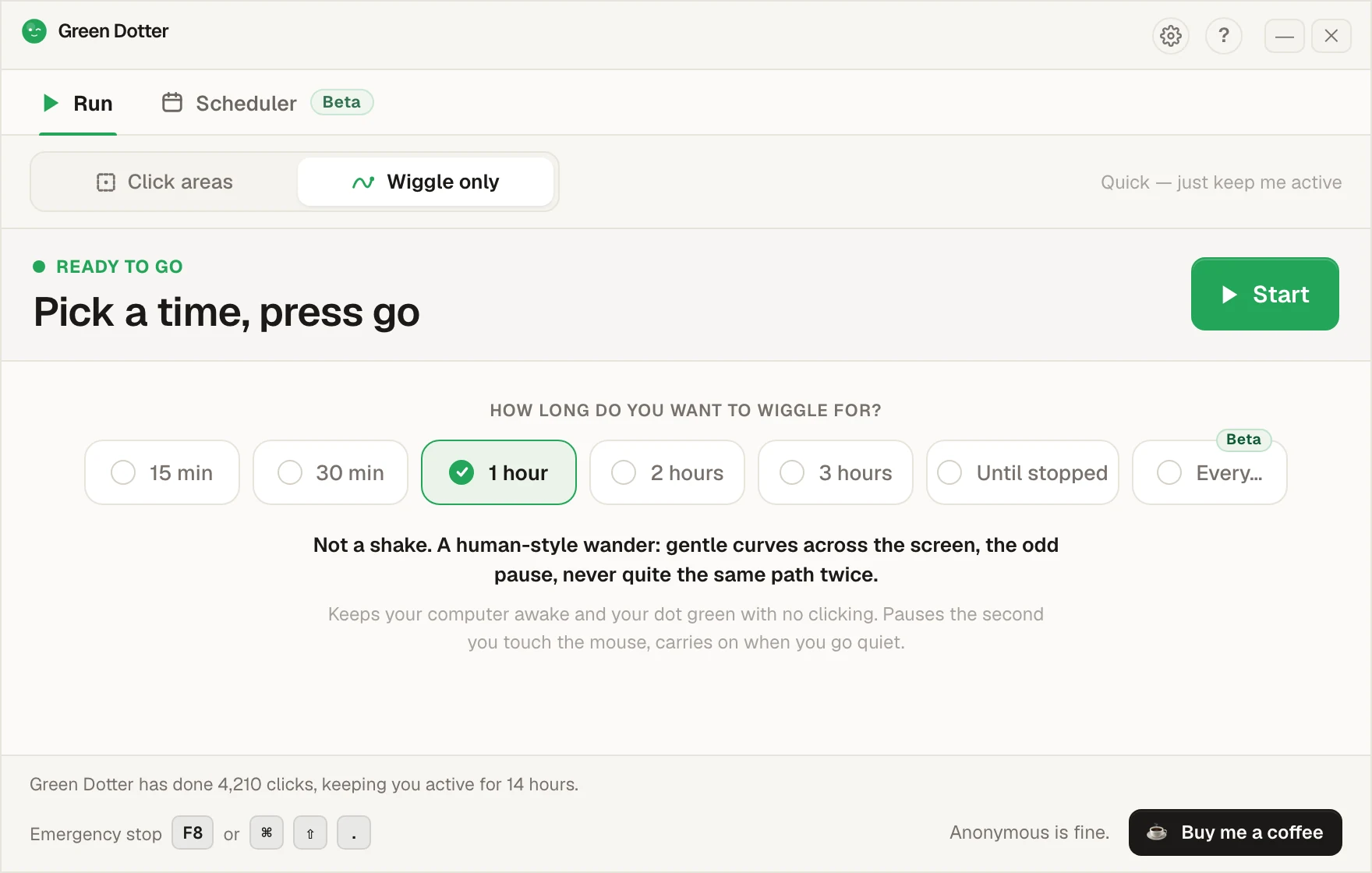
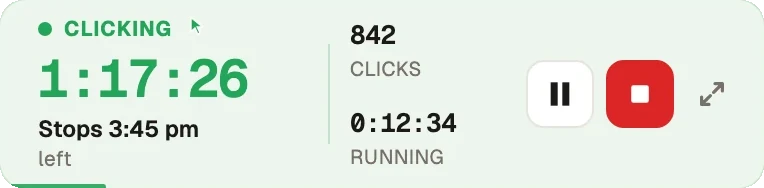
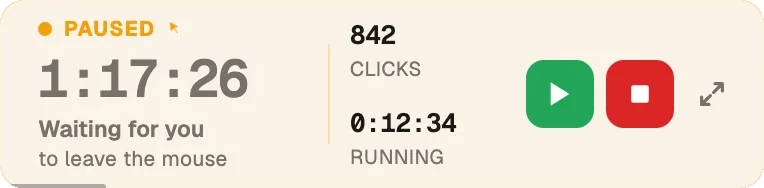
Green Dotter picks a point within your chosen range each time, so the pattern varies naturally without you having to manage it. You choose the area. You choose the timing range. Green Dotter clicks inside that area on that schedule. When you move the mouse or type, it pauses automatically.

The combination that matters

Random timing is only half the picture. A random interval auto clicker that clicks anywhere on your screen is still unpredictable in the wrong way. The timing varies, but the location doesn't — and if that location is a button, a form, or anything sensitive, variable timing doesn't help.

Green Dotter combines random intervals with safe-area targeting. You choose where clicks happen. You choose the timing range. Green Dotter does both. That's what makes it more useful than a basic clicker with a randomise setting.

How Green Dotter compares

FeatureFixed auto clickerRandom interval clickerGreen Dotter
Fixed timingYesOptionalOptional
Random timingNoYesYes
Safe-area targetingSometimesSometimesYes
Auto-pause when you returnRareRareYes
Local app, no accountVariesVariesYes
Mac supportVariesVariesYes
Windows supportVariesVariesYes

Also see how Green Dotter works as a mouse jiggler alternative, and the deeper dive on what a random interval auto clicker is.

What people use it for

Keep it controlled

Choose a safe area where clicks won't trigger buttons, payments, forms, or anything irreversible. Avoid admin panels, messaging input boxes, and anything you wouldn't want clicked unexpectedly. Check your workplace or device policies before using automation tools on a work machine.

Common questions

An auto clicker that clicks within a timing range you set, rather than on an exact fixed schedule. The interval varies each time within the range you choose.
Yes. You set the minimum and maximum interval and Green Dotter clicks somewhere within that range each time.
Yes. You can stop the session at any point. Green Dotter also pauses automatically when you move the mouse or use the keyboard.
No. It clicks only inside the area you define.
Yes. Native Mac build, supports Apple Silicon.
Yes. Native Windows build, works on Windows 10 and 11.
Yes. No trial, no subscription, no account required.

Official Green Dotter download

Official Green Dotter download

Green Dotter is distributed directly from green-dotter.com. This is the official download source for the Green Dotter app. No account, email address or subscription is required.

Get Green DotterControlled clicks, simple setup. Green Dotter clicks where you tell it to, on a natural schedule, and gets out of your way when you're back. Free.