Most auto clickers click wherever you point them. Green Dotter clicks only inside the area you choose. You define the zone. It stays there. Free for Mac and Windows.
Green Dotter is distributed directly from green-dotter.com. This is the official download source for the Green Dotter app. No account, email address or subscription is required.
Safe-area clicking means you choose a specific part of your screen where automated clicks are allowed. Green Dotter clicks only inside that area. Nothing outside the area gets touched. No wandering. No surprises.
It sounds simple because it is. But it's the feature that makes controlled desktop automation actually usable. Without it, you're trusting an app to click somewhere that might be a button, a form, or something you really didn't want clicked. With it, you decide exactly where the activity happens.
A lot of auto clickers work by clicking one exact screen coordinate. You set the X and Y position, and it clicks there every time. That works until something moves.
A notification drops down. A window shifts slightly. The app updates its layout. The sidebar expands. Suddenly the coordinate that used to be harmless is now sitting over a button. Fixed-point clicking assumes your screen stays exactly the same. Screens don't.
Safe-area clicking is more resilient. You define a region, not a single pixel. Clicks land inside that region. If the window shifts a little, you're still in the right zone.
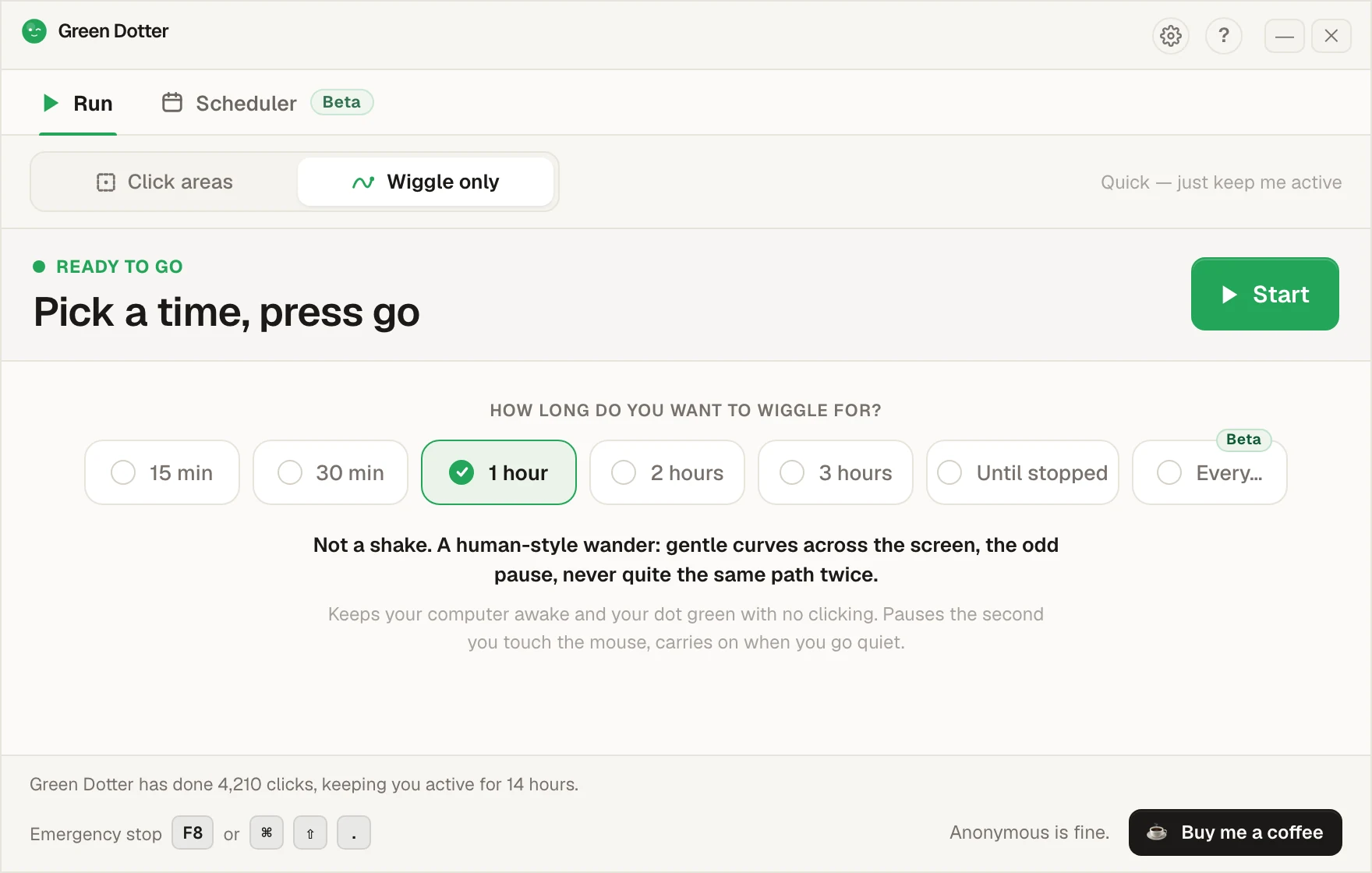
Draw the area on your screen. Green Dotter clicks inside it, varying the exact position naturally each time.
Clicks happen at natural timing rather than a rigid fixed beat. Less mechanical, more flexible for long sessions.
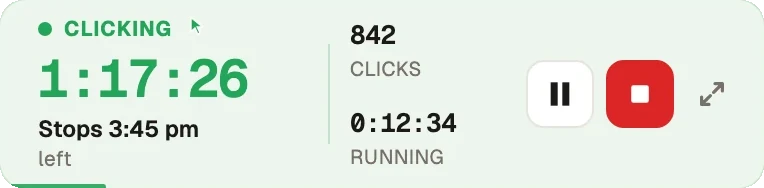
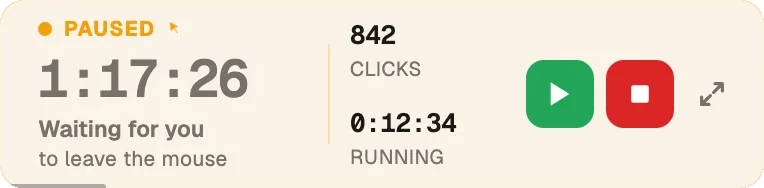
The moment you move the mouse or press a key, Green Dotter pauses. You're immediately back in control.
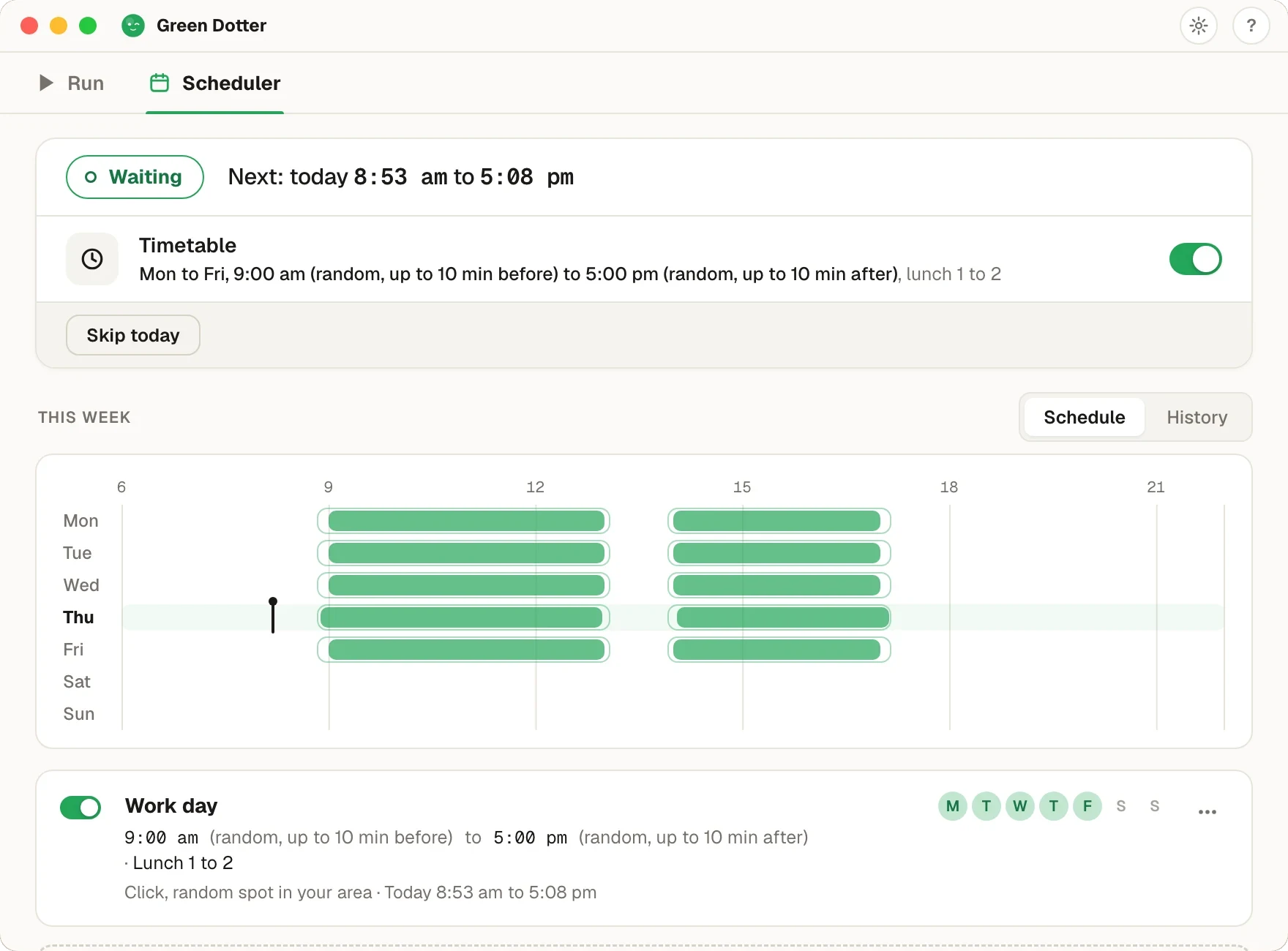
End the session whenever you like. No runaway behaviour.
Good areas are places where a click does nothing harmful.
The best safe areas are boring. Boring is exactly what you want.
Areas to avoid: delete, send, or submit buttons; payment or checkout pages; admin panels or production dashboards; message or email compose windows; anything irreversible. If you'd be annoyed by an accidental click there, don't put the area there.
| Feature | Fixed-point clicker | Mouse jiggler | Green Dotter |
|---|---|---|---|
| Clicks a fixed coordinate | Yes | No | No — clicks within selected area |
| Moves cursor only | No | Yes | No |
| User defines click zone | No | No | Yes |
| Random timing | Sometimes | Sometimes | Yes |
| Auto-pause when you return | Rare | Rare | Yes |
| Lower accidental-click risk | Limited | Limited | Better controlled |
| Local app, no account | Varies | Varies | Yes |
Want the timing side of the story? See the random interval auto clicker page, or how Green Dotter works as a mouse jiggler alternative.
It performs the click actions you configure, inside the area you define. Nothing else.
Choose an area that's genuinely safe. Test it for a minute before walking away. Make sure clicks are landing where you expect. Check your workplace or device policies before using automation on a work machine. There's more detail in our guide to choosing a safe area for an auto clicker.
Green Dotter is distributed directly from green-dotter.com. This is the official download source for the Green Dotter app. No account, email address or subscription is required.