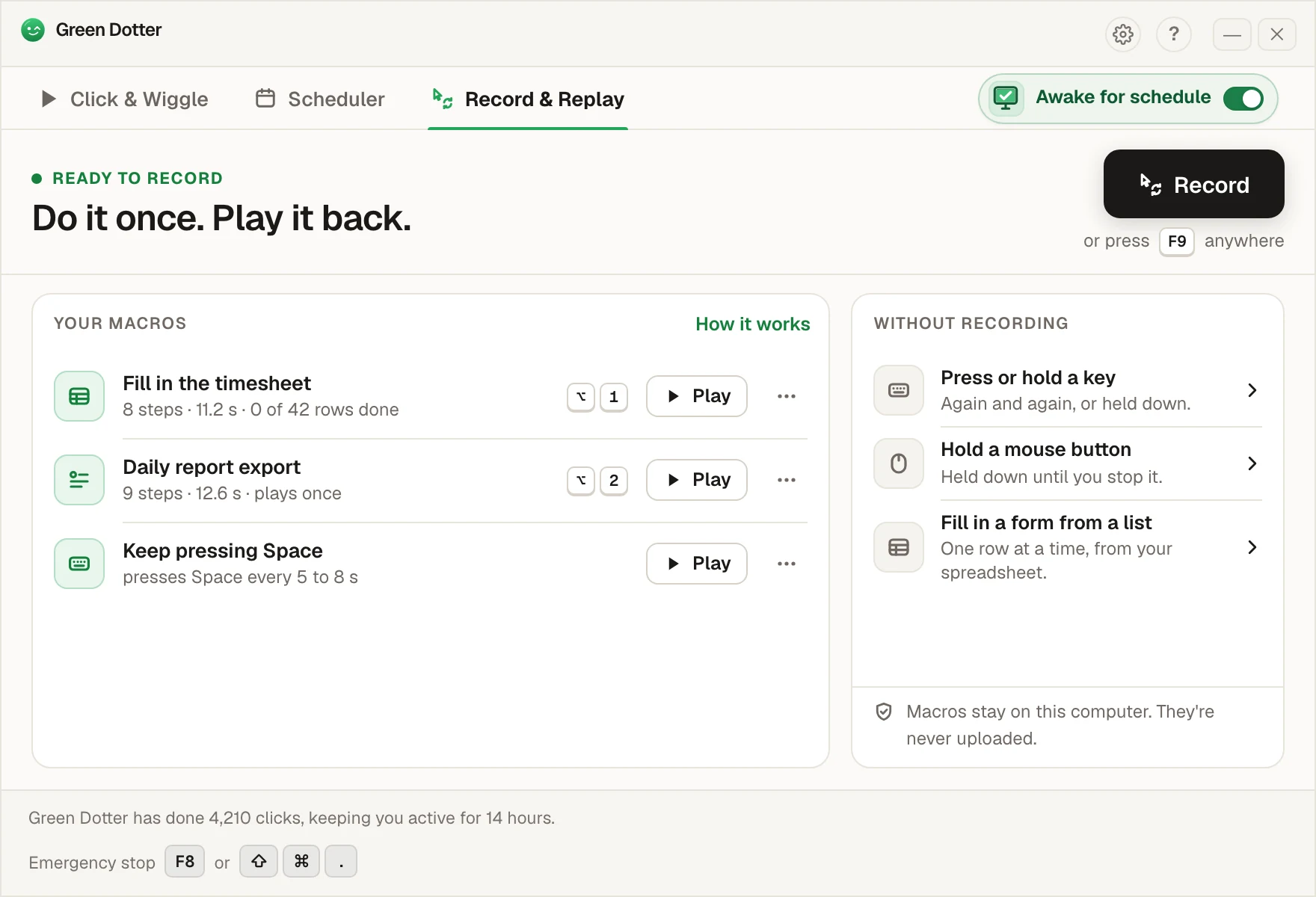
TinyTask is a Windows program and there's no Mac version. Green Dotter does the same job on a Mac: press Record, do the thing, press Play. It's free, and it's on Windows too.

TinyTask is a very small macro recorder for Windows. You press record, do the job, press stop, and it plays the whole thing back, on a loop if you like. People like it because it's small and does one thing.
It has no Mac version. If you searched for TinyTask for Mac and nothing turned up, that's why.
Not directly. You can run Windows on a Mac in a virtual machine, but then TinyTask only controls the Windows desktop inside that window. It can't click anything in your Mac apps.
The same: record what you do, play it back, loop it, and stay out of your way.
What's different:
It can't open TinyTask recordings. A TinyTask file is a Windows file made for a Windows program. You'd record the job again, which takes about as long as doing it once.
See everything it does on the macro recorder page, or the Mac details on macro recorder for Mac.
| Option | Good for | Watch out for |
|---|---|---|
| Automator, Watch Me Do | Built into macOS, fine for a short, simple job | Plenty of people say it times out or misses its clicks |
| Keyboard Maestro | A full automation suite with triggers and conditions | Paid, and more to learn than a simple recorder |
| App Store recorders | Quick to try | They vary a lot, so check the reviews for stop keys and shortcuts |
| Green Dotter | Record and replay with a step list you can edit, plus an auto clicker and mouse jiggler | Clicks go to screen positions unless you turn on follow the window |
TinyTask is the name of someone else's program. Green Dotter is independent and isn't affiliated with it.